API key
How do I get my API key?
info
Our API is a feature exclusive to our PREMIUM and PLATINUM users. If you are a BASIC user and wish to benefit from this feature, please upgrade.
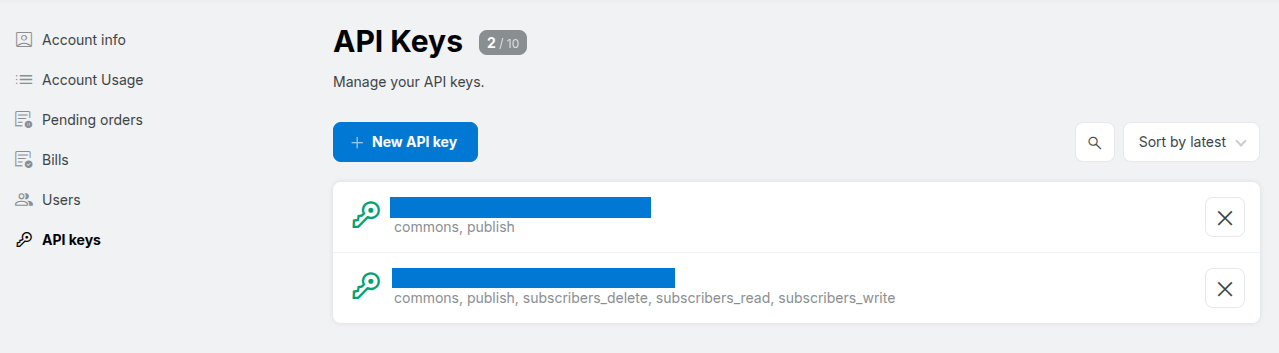
Go to the Settings page of your account and click on API Keys on the left hand side.
Click on NEW API KEY.
In the window that opens, select the rights for this API key.
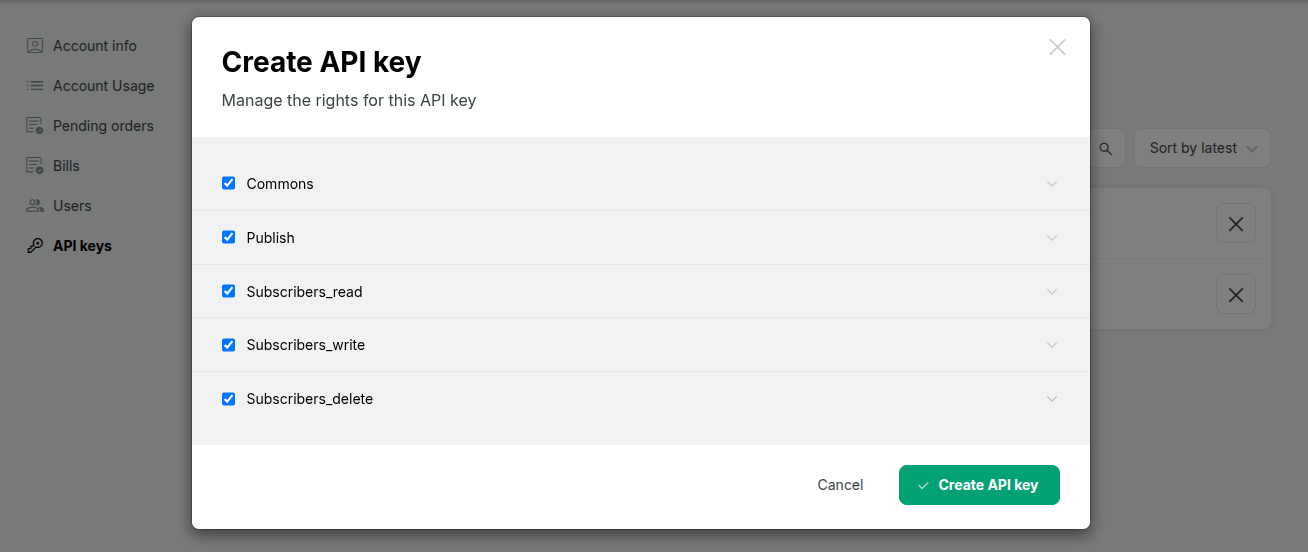
Once you have selected the desired options, click CREATE API KEY to finish the process.
Where can I find my public key and secret key?
Go to the Settings page of your account and click on API Keys on the left hand side.
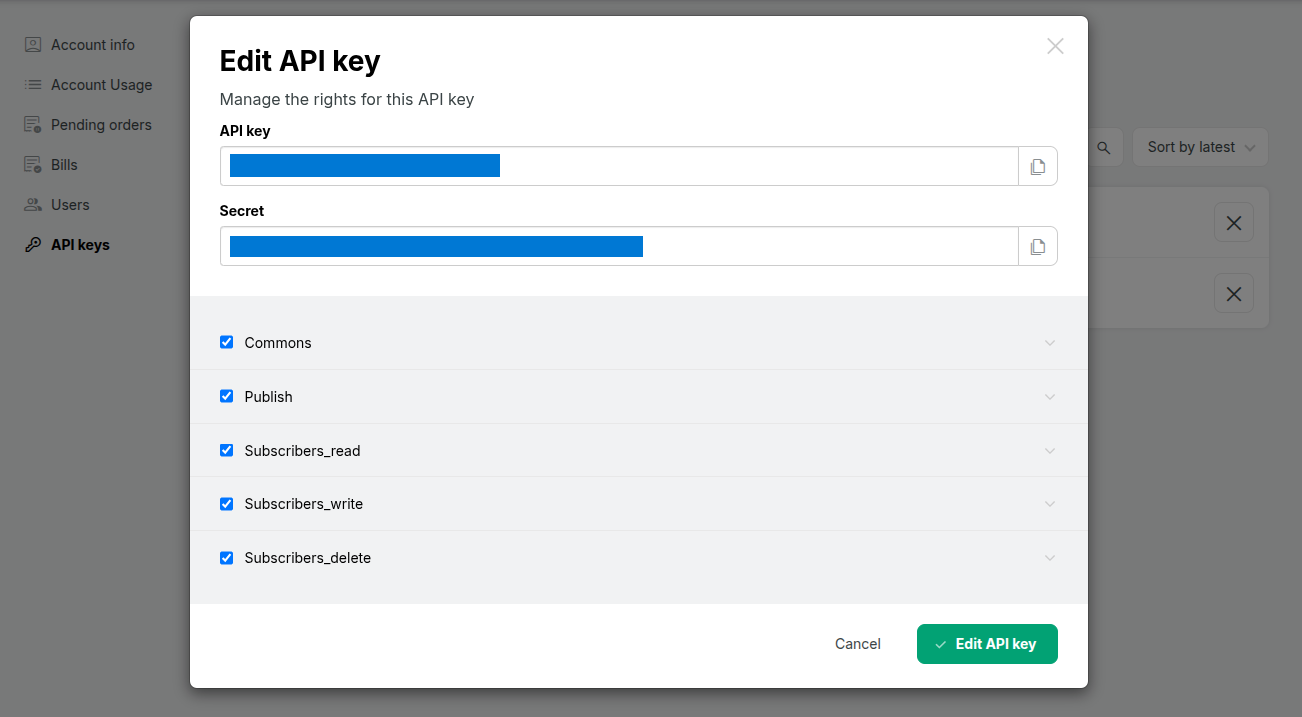
Click on your API key.
In the window that opens, you have access to your public and private (secret) key. You will need both to communicate with the API.